Smooth checkout
Event selection, checkout and digital delivery in the same flow.
Tap2Go connects event discovery, web and mobile sales, ticket issuance, wallet, Tap2Scan validation and organizer operations in a single backend-governed commercial flow.

The Tap2Go experience links app, web and operations in a clear, fast and consistent journey for users and organizers.
Event selection, checkout and digital delivery in the same flow.
Tickets are ready for scanning and entry control.
Mobile app, web and management follow the same commercial logic.
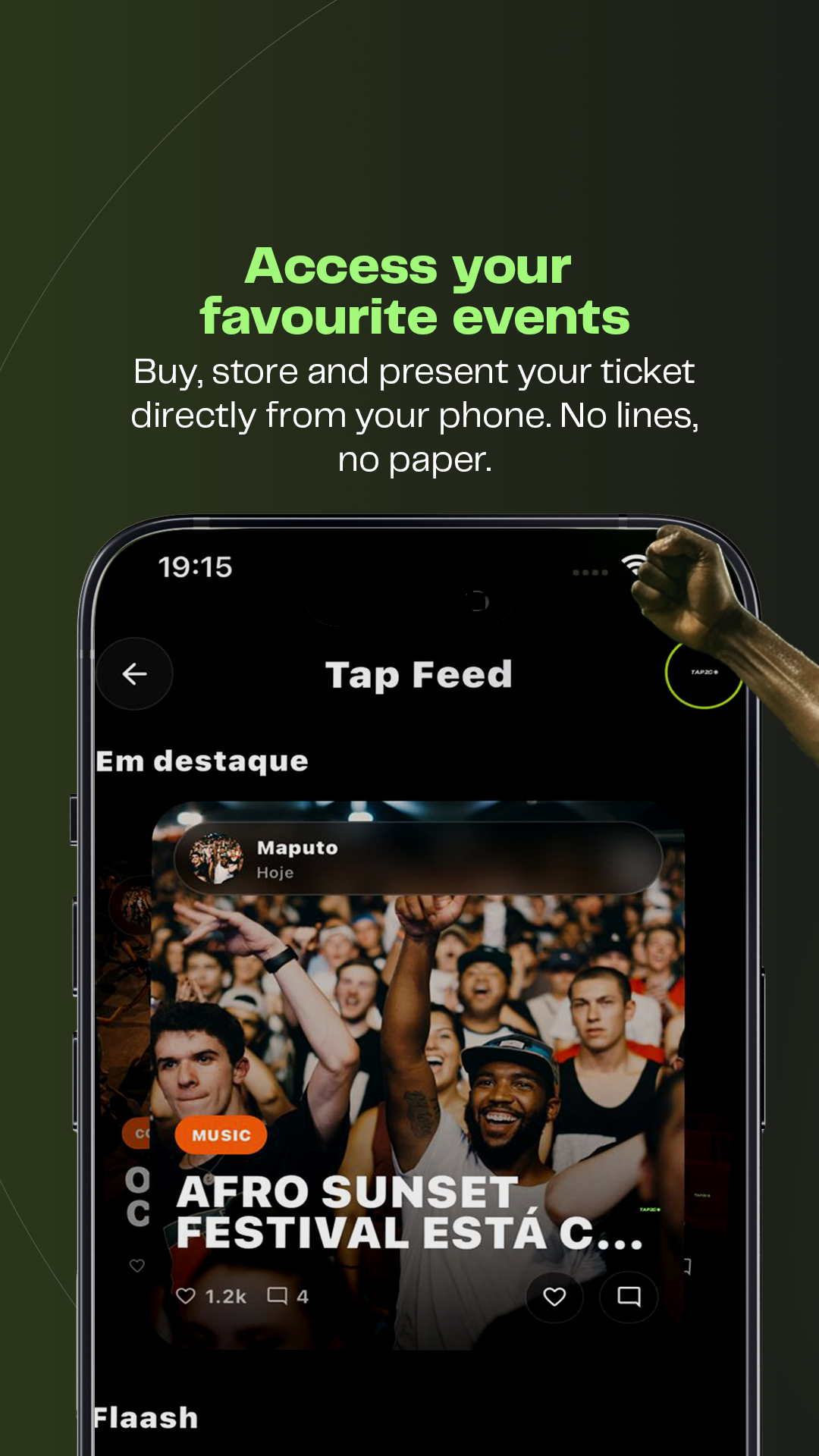

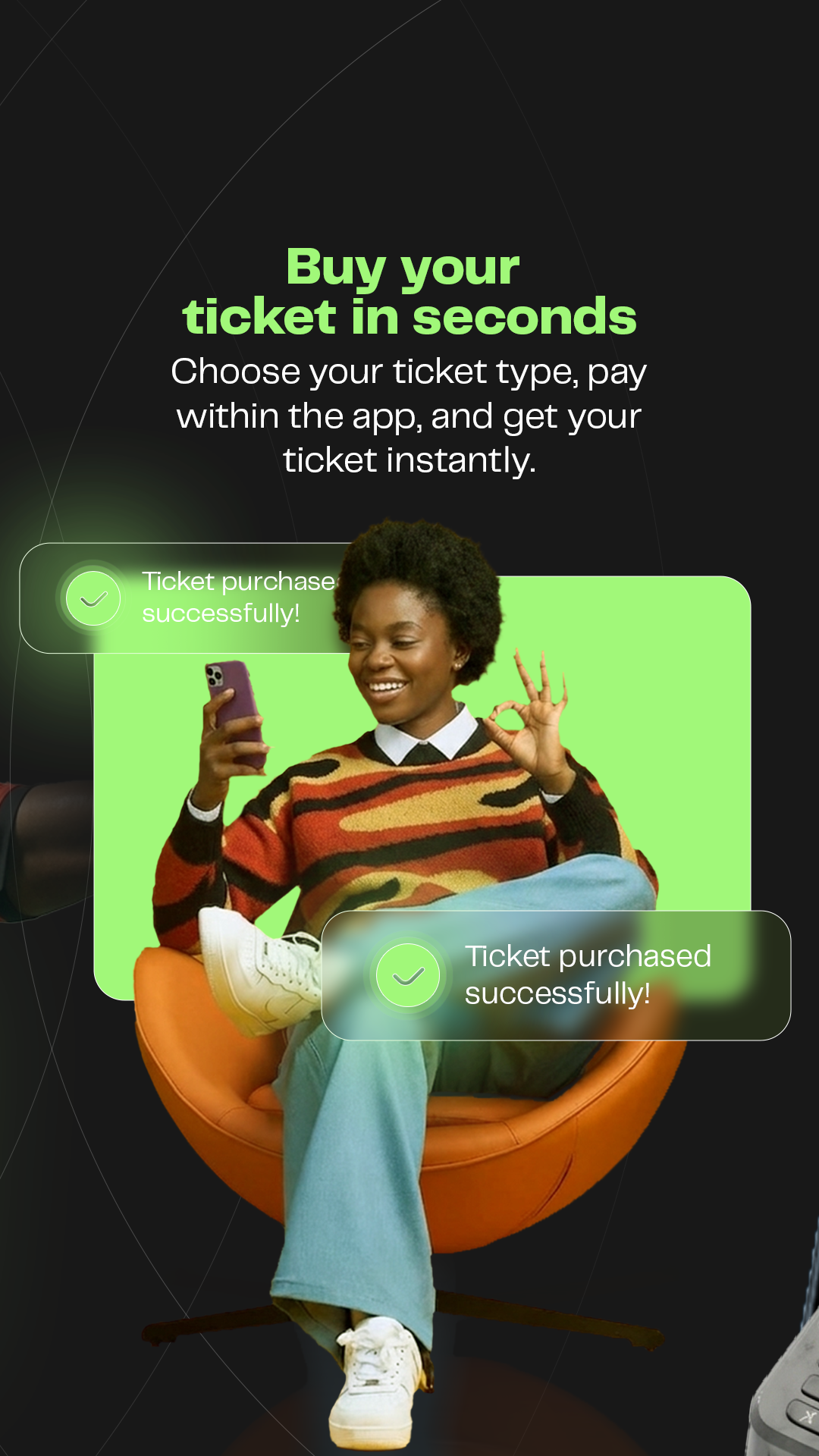
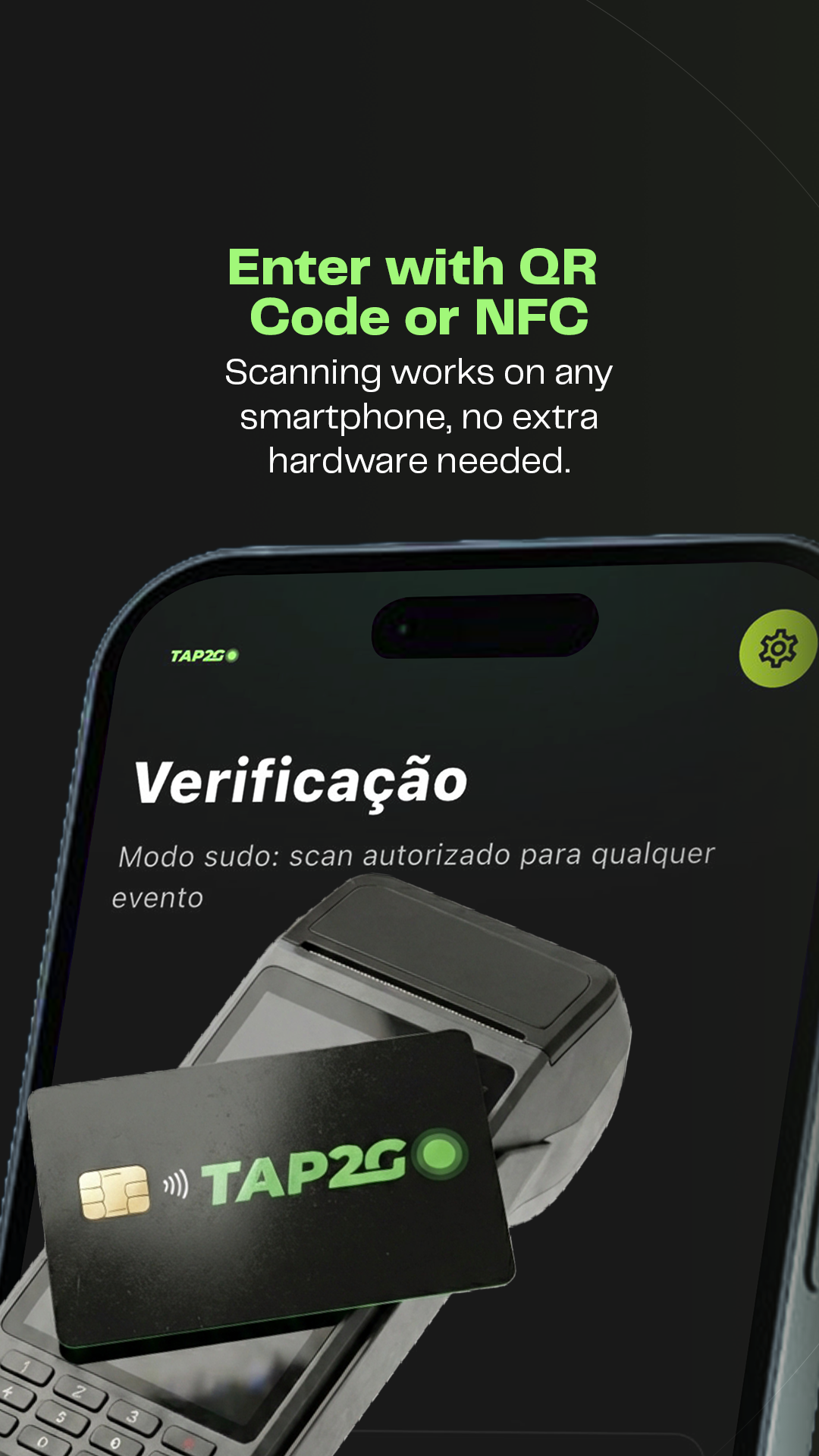
A short walkthrough of the journey: discovering events, buying tickets, receiving the digital ticket and validating entry with Tap2Scan.
Tap2Scan is the app used by event teams at the door: authorized login, event selection, instant QR validation and real-time entry tracking.


Each ticket includes a unique QR code for Tap2Scan validation. For security, never publish your ticket online — especially the QR code area.
See example and security rulesUsers can explore events by category, highlights, upcoming and featured listings, seeing only published and commercially available events.
Purchases combine ticket type, active lot, quantity, day, session, format, subtotal, service fee and final total before confirmation.
Organizers and administration configure events, lots, venues, locations, sessions, scanners, internal users, fees and permissions.
Users can start a deletion request. Some records may be preserved in anonymized form for legal, tax, accounting and security reasons.